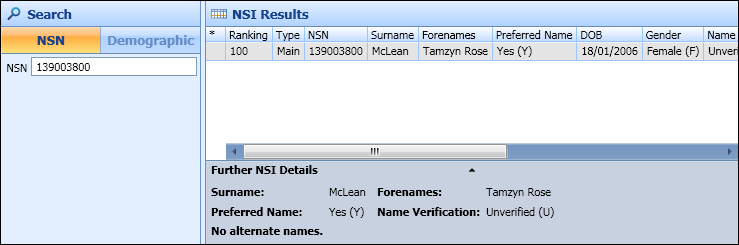
If the learner has an existing NSN, you should search on learner NSN. For a learner who has a verified NSN value, you can only search against the NSI using the NSN value. For an unverified learner you can select by either a NSN value or by demographics.
If you want to search for a learner with verified NSN using demographics, you must first clear the existing (verified) NSN value for the learner.
The NSN number from the learner’s EBS record will pre-populate the NSN number field in the NSI Search window.
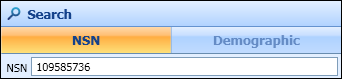
Select the Search button to start a search of the NSI database to match the learner’s NSN with that held in the NSI database.

If the learner is found and the NSN number is matched, then the data is displayed in NSI Results section.